


VSYNC · INTEGRATION AND AUTOMATION
- TWO-WAY DATA TRANSFER
- AUTOMATED TASKS
- CENTRALIZED MONITORING
- CONNECTED SYSTEMS
- ERP
- E-Commerce
- Warehouse / WMS
- CRM
- Logistics
01 SAME DATA, DIFFERENT SYSTEMS
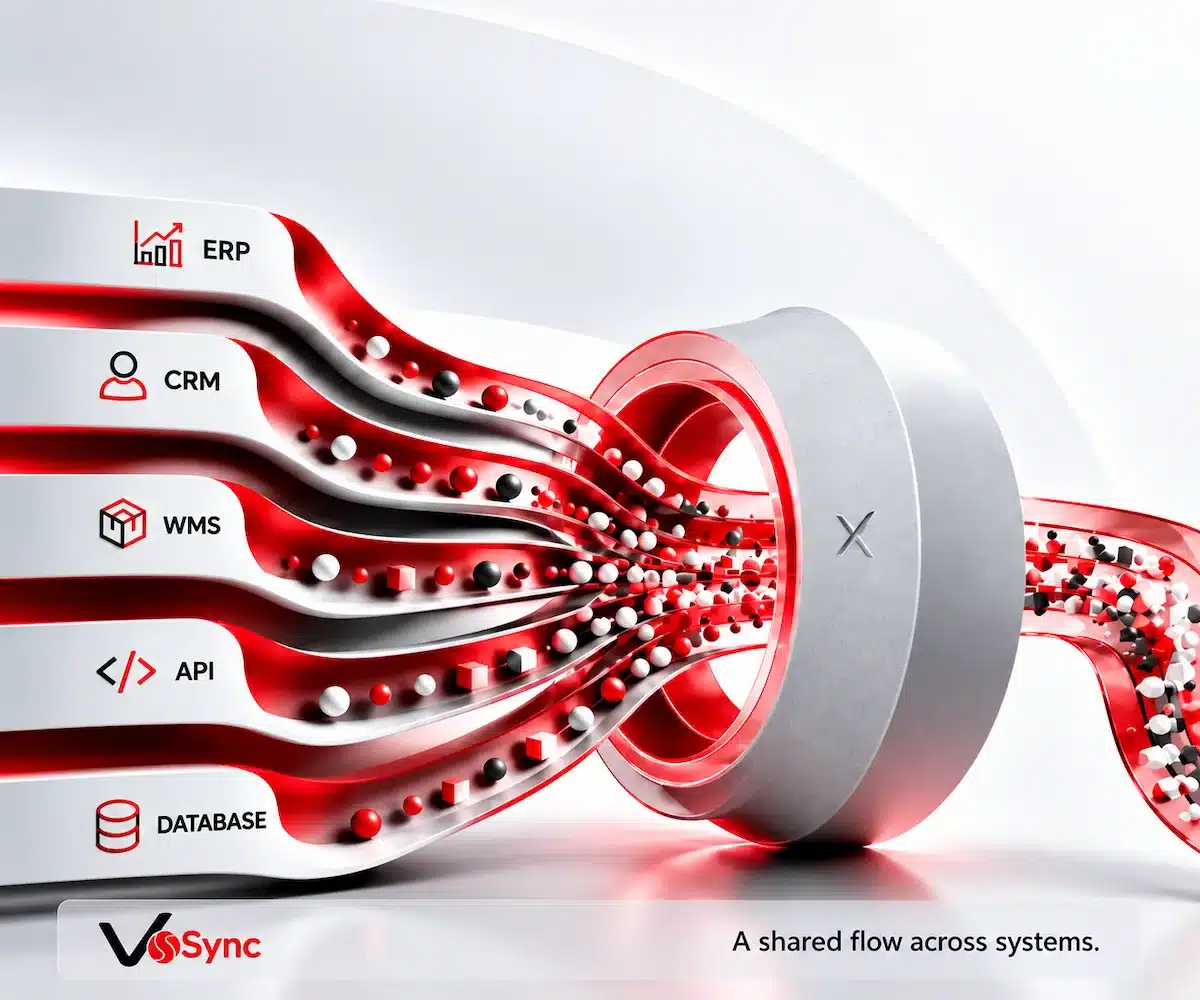
VSync is an integration and automation layer developed by Verimix that automatically transfers data between ERP, e-commerce, warehouse and CRM applications.
For every transfer, VSync reads, validates, transforms and delivers the data, then logs the result. Tasks run at defined intervals, with real-time synchronization available where the scenario supports it. Error notifications, consistency checks and reporting are managed centrally.
- Less manual work
- More up-to-date information
02 CONTROL AT EVERY STEP OF THE DATA FLOW
01
Read
Retrieve data from the source system.
02
Validate
Check the data against business rules.
03
Transform
Convert it to the format the destination requires.
04
Transfer
Deliver the data to the destination system.
05
Log and Notify
Log the result and report errors.
03 SYNCHRONIZATION AT THE PACE OF YOUR BUSINESS
Every workflow has different requirements. Configure the transfer direction and frequency to suit your process.
Transfer data from the source system to the destination. Where needed, send changes in the destination back to the source system.
- Source System
- VSync
- Destination System
Set the frequency of each integration to suit your workflow. Reduce the need to manually monitor recurring transfers.
- Source System
- VSync
- Destination System
In compatible systems and workflows, transfer changes to other applications without delay.
- Source System
- VSync
- Destination System
04 FLEXIBLE INTEGRATION ARCHITECTURE
Connect different platforms through APIs and database connections. Run integration jobs in parallel across multiple robots using a distributed service architecture.
Choose the right connection method for each source and destination.
Manage ERP, application, integration and service definitions from one place.
Select the robot, set service parameters and define the execution frequency in each task’s settings.
05 SECURITY, CONSISTENCY AND ERROR MANAGEMENT
Monitor transaction results and error information centrally. Follow a clear audit trail through the logs to identify the source of a problem.
Secure Connections and Authorization
Manage system access through authorization controls.
Transaction Logs and Consistency
Log transfer results and check data consistency.
Error Notifications and Reporting
Identify disrupted processes and review error details.
06 EXAMPLE USE CASE
Bring an e-commerce order’s ERP, warehouse and shipping steps together in one data flow.
01
The order is received and validated.
Sync receives the e-commerce order and validates its details.
02
The order reaches the ERP and warehouse preparation begins.
The order is sent to the ERP, and a picking request is sent to the warehouse system.
03
Shipping status is sent back.
Once shipping is complete, the status is updated in the e-commerce system.
04
Stock is updated and transactions are logged.
Stock quantities are updated in the relevant systems. Every step is logged.
07 YOUR QUESTIONS ANSWERED
Frequently Asked Questions
Can VSync work with our existing ERP and applications?
Different systems can be integrated through APIs and database connections. The exact scope is defined after assessing your application versions, access capabilities and business rules.
How often is data transferred?
Tasks can be scheduled at the frequency you define. Real-time synchronization can be used in scenarios supported by the business process and connected systems.
What happens if a data transfer fails?
Transaction results and error details are logged. Data consistency checks, error notifications and reporting help trace the source of the problem.
How do we manage integration tasks?
Application and ERP configuration, integration definitions, services and tasks are managed centrally. Each task’s settings let you specify the robot, service parameters and execution frequency.
MORE EFFICIENT TOGETHER
Your systems.
An integration flow tailored to you.
Let’s discuss the applications you use and the data you want to transfer. Together, we’ll assess a Sync scenario that fits your workflow.